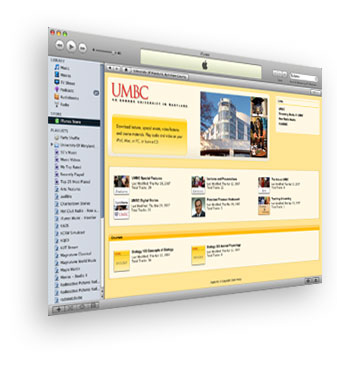
iTunes U and BlackBoard
If you're a faculty member who would like to know how to activate UMBC iTunesU through BlackBoard, then the video below should be a useful tool.
In this video you'll see how to activate the iTunes link in Blackboard. Furthermore, you'll learn how to upload and manage files to your own course iTunes page.
For more user support, here is a link to the iTunes U User's Guide published by Apple. It is a comprehensive document covering all aspects and settings for iTunesU.
Back to UMBC on iTunes main page